
In increasingly digital and hybrid work environments, desk efficiency has become a critical productivity driver rather than a secondary consideration. Peripheral selection directly influences workflow continuity, space utilization, and user performance. A well-engineered wireless keyboard and mouse combo offers a structured, scalable solution to these challenges. Brands such as AULA position integrated keyboard and mouse combos as professional-grade tools designed to optimize modern workstations for both productivity and performance.
Excessive cabling introduces physical clutter, limits layout flexibility, and increases setup complexity. By consolidating connectivity into a single wireless receiver or Bluetooth channel, keyboard and mouse combos significantly simplify desk infrastructure.
A clean, unobstructed workspace supports higher cognitive focus and faster task execution. For enterprise users and professionals operating a keyboard mouse combo for PC or keyboard mouse combo for laptop, reduced cable management translates into quicker deployment, easier reconfiguration, and lower maintenance overhead.
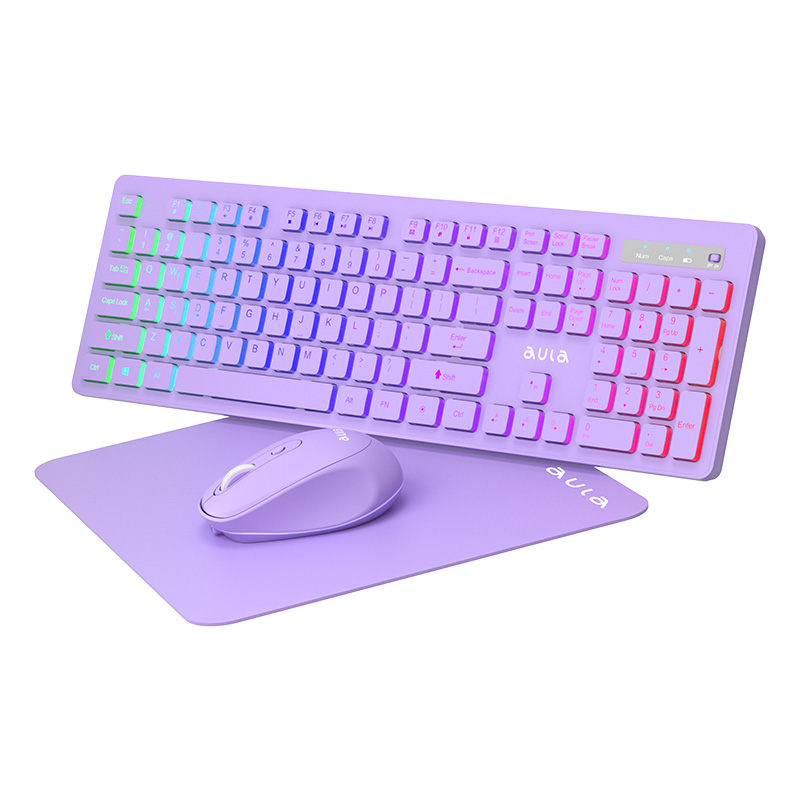
Time efficiency is a core operational metric. Wireless keyboard and mouse combos reduce initial setup time and minimize friction when switching work environments. Plug-and-play USB receivers and multi-device Bluetooth pairing enable immediate usability across platforms.
A bluetooth keyboard and mouse combo is particularly valuable for users managing multiple devices throughout the day. Seamless switching between desktops, laptops, and secondary systems improves task continuity and eliminates repetitive pairing processes, resulting in measurable productivity gains.
Efficient desk layouts depend on flexibility. Wireless peripherals remove physical placement constraints, allowing users to optimize positioning based on ergonomic and functional requirements rather than cable length.
Compact wireless solutions enhance portability for laptop-based workflows, while full-size keyboard mouse combos support high-volume input tasks such as data processing and content creation. In both cases, spatial efficiency contributes to improved comfort and sustained operational performance.

Professional efficiency is directly linked to user comfort. Poor ergonomic alignment increases fatigue, reduces accuracy, and negatively impacts long-term performance. High-quality keyboard and mouse combos integrate ergonomic design principles, including low-profile key structures, balanced actuation force, and contoured mouse shapes.
AULA designs its wireless keyboard and mouse combo solutions to support prolonged use in office and gaming environments. By reducing physical strain, users maintain consistent performance levels across extended sessions.
Modern wireless technology has eliminated many of the latency and interference concerns historically associated with wireless peripherals. Today’s solutions deliver stable, low-latency input suitable for both professional and recreational use.
For users requiring versatility, a gaming keyboard and mouse combo provides precise input response without compromising desk efficiency. This dual-purpose capability reduces the need for multiple peripheral sets, simplifying workstation management and lowering total ownership cost.
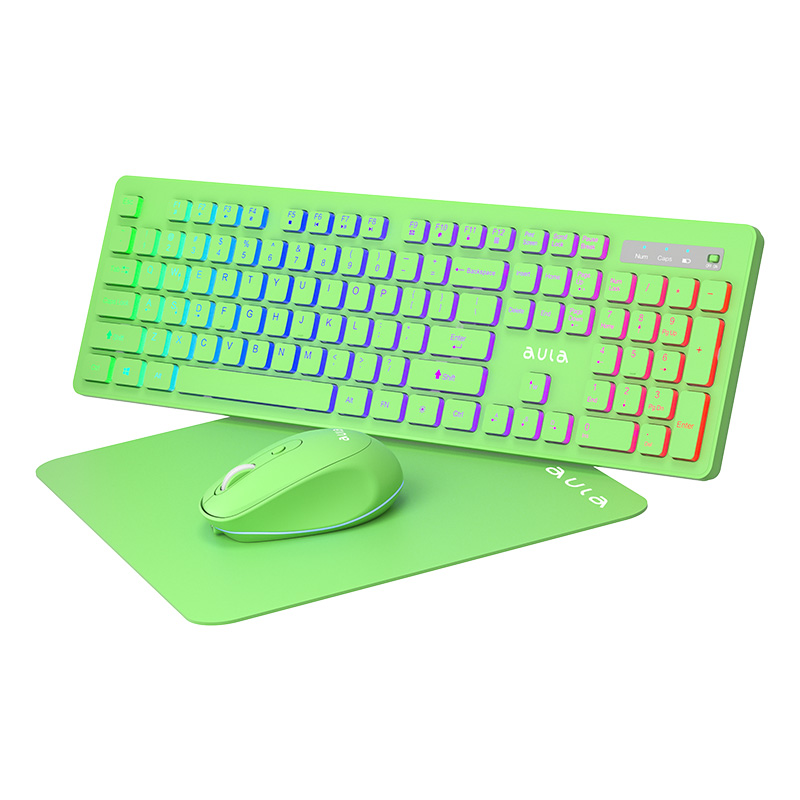
Power efficiency is essential for uninterrupted workflows. Frequent charging or battery replacement introduces avoidable downtime. Advanced wireless keyboard and mouse combos incorporate energy-efficient chipsets, automatic sleep modes, and extended battery lifecycles.
AULA emphasizes long-term reliability and power optimization, ensuring consistent performance with minimal user intervention. This stability is particularly valuable in professional and enterprise environments where operational continuity is non-negotiable.
As organizations adopt hybrid and mobile work structures, peripherals must support portability without compromising performance. A wireless keyboard and mouse combo offers a lightweight, transportable solution compatible with diverse work settings.
For professionals relying on a keyboard mouse combo for laptop, wireless designs enable rapid transitions between locations while maintaining a consistent user experience. This adaptability supports workforce agility and operational efficiency.
From a procurement and IT management perspective, keyboard and mouse combos simplify standardization. Bundled peripherals reduce compatibility risks, streamline deployment, and ensure consistent performance across teams.
AULA positions its keyboard and mouse combos as integrated systems rather than isolated components. This approach aligns with enterprise-level requirements and enhances end-user satisfaction by reducing technical friction.
A wireless keyboard and mouse combo enhances desk efficiency by systematically addressing clutter reduction, setup speed, ergonomic alignment, spatial optimization, and multi-device integration. When delivered by a performance-focused brand such as AULA, these solutions provide a measurable return on productivity and user experience.
In modern professional environments, selecting the right wireless keyboard and mouse combo is not merely an accessory upgrade—it is a strategic decision that supports scalable efficiency, operational consistency, and long-term workplace performance.