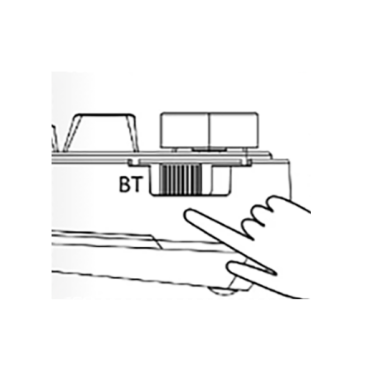
F98 PRO
F98 PRO
(1) Why can’t my Bluetooth connect?
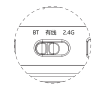
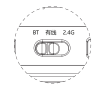
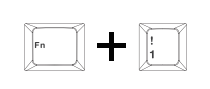
1. Check that the switch is in [BT] mode. Long press Fn + 1 for 3 seconds until the indicator flashes quickly, then search for the keyboard in Bluetooth settings.
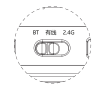
2. Make sure the Bluetooth name matches the product.
(2) Why can’t my 2.4G connection work?
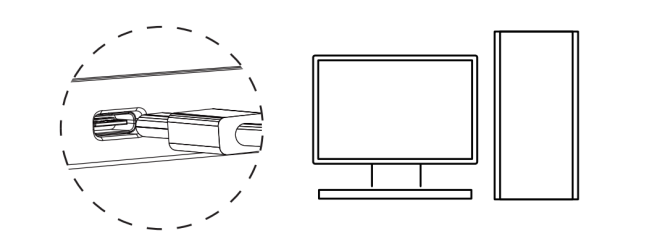
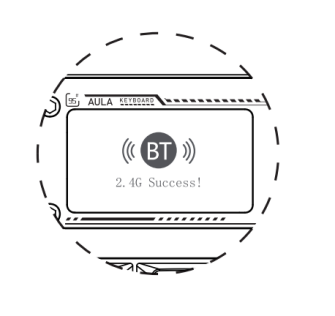
1. Switch the keyboard to 2.4G mode and insert the USB receiver.
2. Follow the on-screen pairing prompts and keep the keyboard close to the receiver.
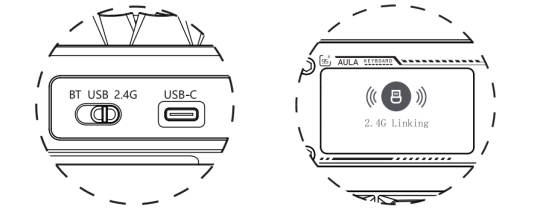
(3) Why is my 2.4G connection unstable?
Use a USB 2.0 port away from other receivers and metal hubs. Re-pair by holding Fn + ~ for 3 seconds, then reinserting the receiver.
(4) What should I do if some keys are not working?
Check the battery, connection mode and system shortcut. Clean or replace switches if needed. Hold Fn + Esc for 5 seconds to restore factory settings.
(5) How should I charge the keyboard?
Lower or turn off the backlight and use the original cable. Do not use fast-charging devices.
(6) Where can I download the drivers?
Download the corresponding driver from www.aulastar.com.