 FAQ
FAQ
F108 PRO V2
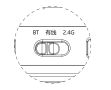
F108 PRO V2(1) Why can’t my Bluetooth connect?1. First, check if the switch is s
 FAQ
FAQ
F108 PRO V2(1) Why can’t my Bluetooth connect?1. First, check if the switch is s
 FAQ
FAQ
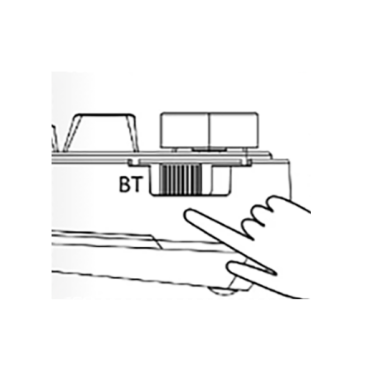
EA75MAX(1) Why can’t my Bluetooth connect?1.Turn the switch to the BT mode2.Pres
 FAQ
FAQ
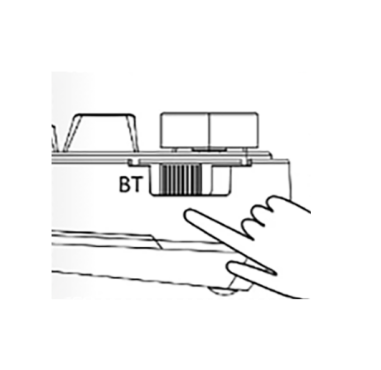
EA75(1) Why can’t my Bluetooth connect?Make sure the mode switch is set to BT mo
 FAQ
FAQ
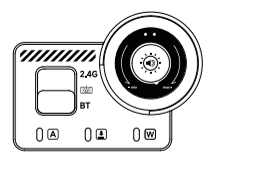
AU75(1) Why can’t my Bluetooth connect?1. Switch to "BT".Key combinati
 FAQ
FAQ
(1) Why can’t my Bluetooth connect?1. First, make sure the switch is set to BT mode.2. Long-press FN + 1 to select “AULA-NOVA75-1”; the green indicator below th...
 FAQ
FAQ
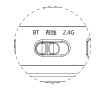
(1) How to connect in Wired Mode1. Rotate the knob to scroll through the LCD menu to “Connection Mode” and select Wired Mode.2. The screen will display “USB Mod...
 FAQ
FAQ
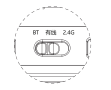
(1) Why can’t my Bluetooth connect?1. First, make sure the switch is set to BT mode.2. Before pairing, long-press FN + 1 for 3 seconds until the blue indicator ...
 FAQ
FAQ
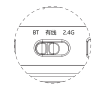
(1) Why can’t my Bluetooth connect?1. First, make sure the switch is set to BT mode.2. Before pairing, long-press FN + 1/2/3 for 3 seconds until the blue light ...
 FAQ
FAQ
(1) Why can’t my Bluetooth connect?First, check whether the mode switch is set to BT mode.Before pairing, long-press FN + 1 for 3 seconds until the indicator ch...
We will get back to you as soon as possible.


